
Clockify Review: Best Free Time Tracker for Freelancers?
· Updated: Jun 12, 2026
Affiliate link — we may earn a commission if you sign up, at no extra cost to you.

Ideal for
- Freelancers tracking billable hours across multiple clients
- Small teams of up to 5 people needing free time tracking
- Side business owners who want reports without paying anything
Free to start?
Yes — free plan, up to 5 users, no expiry
USP
The only major time tracker with a genuinely free plan — unlimited projects, no credit card required
Time is your most valuable asset — whether you're a freelancer, self-employed professional, or building an online business on the side. Keeping track of your working hours, projects, and billable time is non-negotiable if you want to run things properly. Clockify offers a powerful, permanently free time tracking solution built around exactly those needs.
Our hands-on experience with Clockify
We've been using Clockify for three years as the admin of a five-person agency team — daily time tracking, project breakdowns, and client billing. Not a single data loss or performance hiccup in that time.
What works in practice: The admin interface is surprisingly clean for a tool with this much functional depth. Managing time entries for team members is as straightforward as logging your own. We switched over from Toggl's Pro plan — and now get more features for significantly less money without missing anything.
Where it gets annoying: The Notion integration only works through the Chrome extension — anyone on a different browser or mobile has to add time entries manually afterwards. On the Free plan, the two real walls are: you can't import time data from other systems, and export reports can't be customized in detail.
Who it fits: Solo freelancers and teams up to ~10 people with simple-to-moderate time tracking needs. If you need custom exports or API workflows, plan for the Pro tier from the start.
What is Clockify?
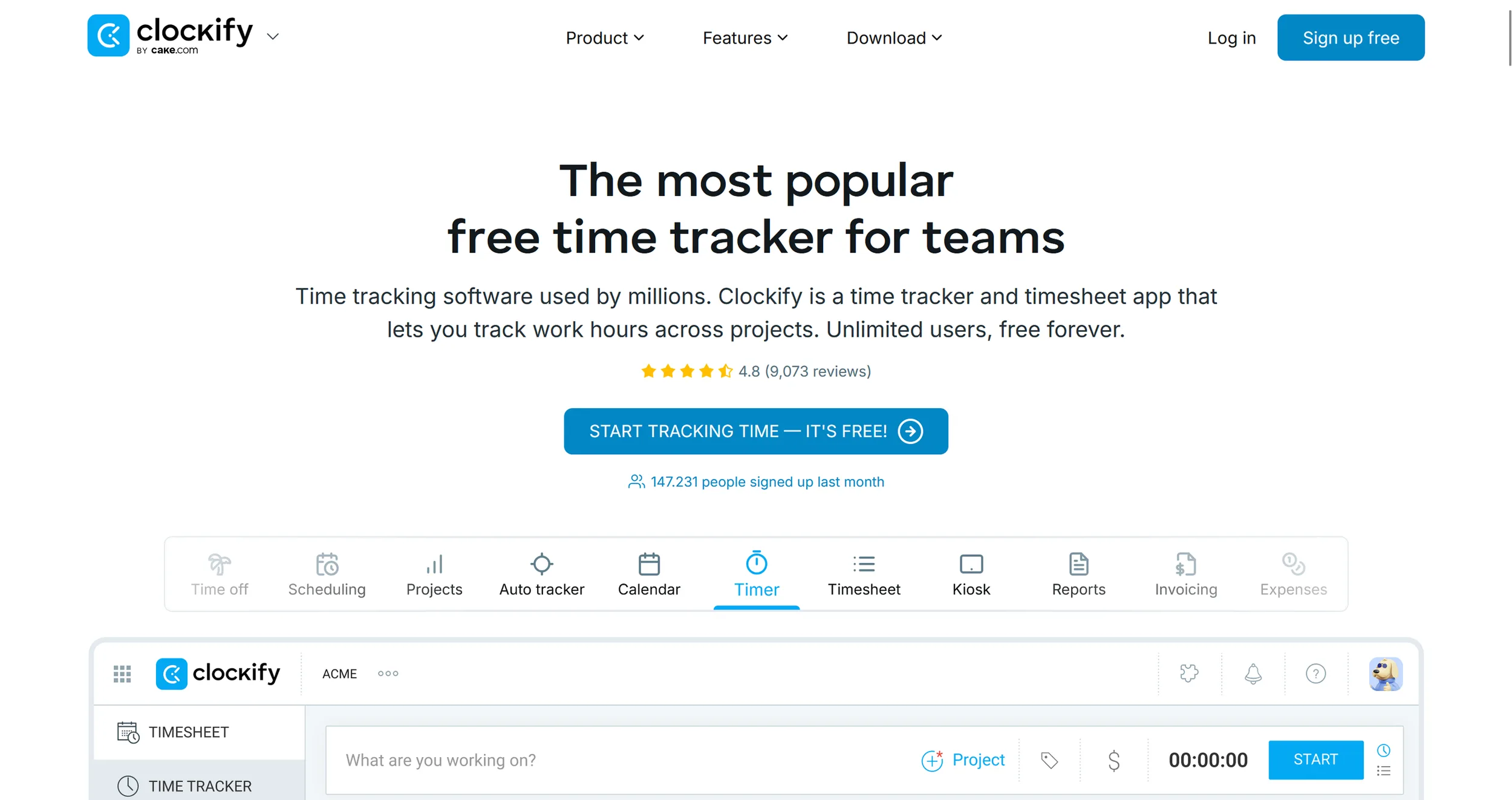
Clockify is a comprehensive time tracking and productivity platform that lets you log work hours, manage projects, and document billable time — directly in the browser or via app. You can start a live timer or enter time manually, generate reports, analyze your time budget, and manage tasks, team members, and absences.
Whether you work solo or with a team, Clockify helps you understand exactly how your time is being used. You can plan activities visually in a calendar view, create invoices based on tracked time, and document your work even more precisely with GPS, screenshots, or reminder functions.
While the platform serves businesses and teams of all sizes, it's equally well-suited for solo freelancers and independent business owners — with a permanently free entry-level plan that covers most day-to-day needs.
Pros & Cons
Pros
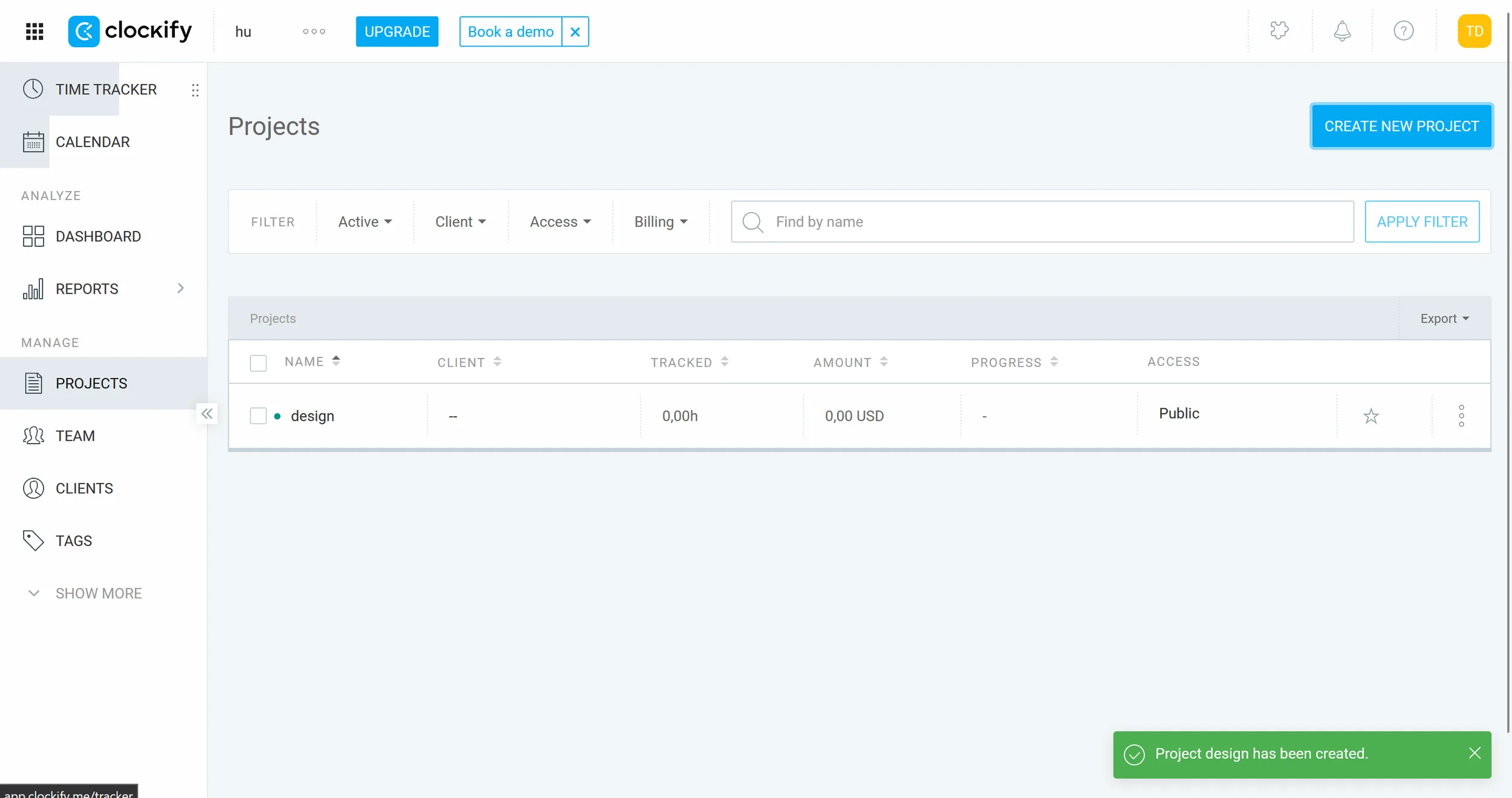
- Permanently free plan for up to 5 users with unlimited projects
- Simple time tracking via timer or manual entry
- Detailed reports and export options for client billing
- Works on all devices and browsers
Cons
- Free plan limited to 5 users — teams need a paid plan
- Invoicing, GPS and approvals only from Standard plan upward
- Interface feels somewhat sparse compared to Toggl Track
Key Features of Clockify
Real-time and manual time tracking: Log hours live with a timer or enter them retroactively — with the option to mark time as billable.
Calendar and timesheet view: Plan your week visually, use templates, or manage hours through the weekly overview — with reminders and approval options.
Project and task management: Track time budgets, assign tasks, set hourly rates, and get forecasts on project progress.
Reports and dashboards: Detailed breakdowns of working hours, projects, team activity, and revenue — filterable, shareable, and exportable.
Invoicing and expense management: Generate professional invoices directly from tracked time and expenses — including receipt capture and PDF export (Standard plan and above).
Cross-platform and integrations: Available as web, desktop, and mobile app, with 80+ integrations including Trello, Asana, QuickBooks, and Google Calendar.

Why Clockify Works Well for Freelancers and Side Business Owners
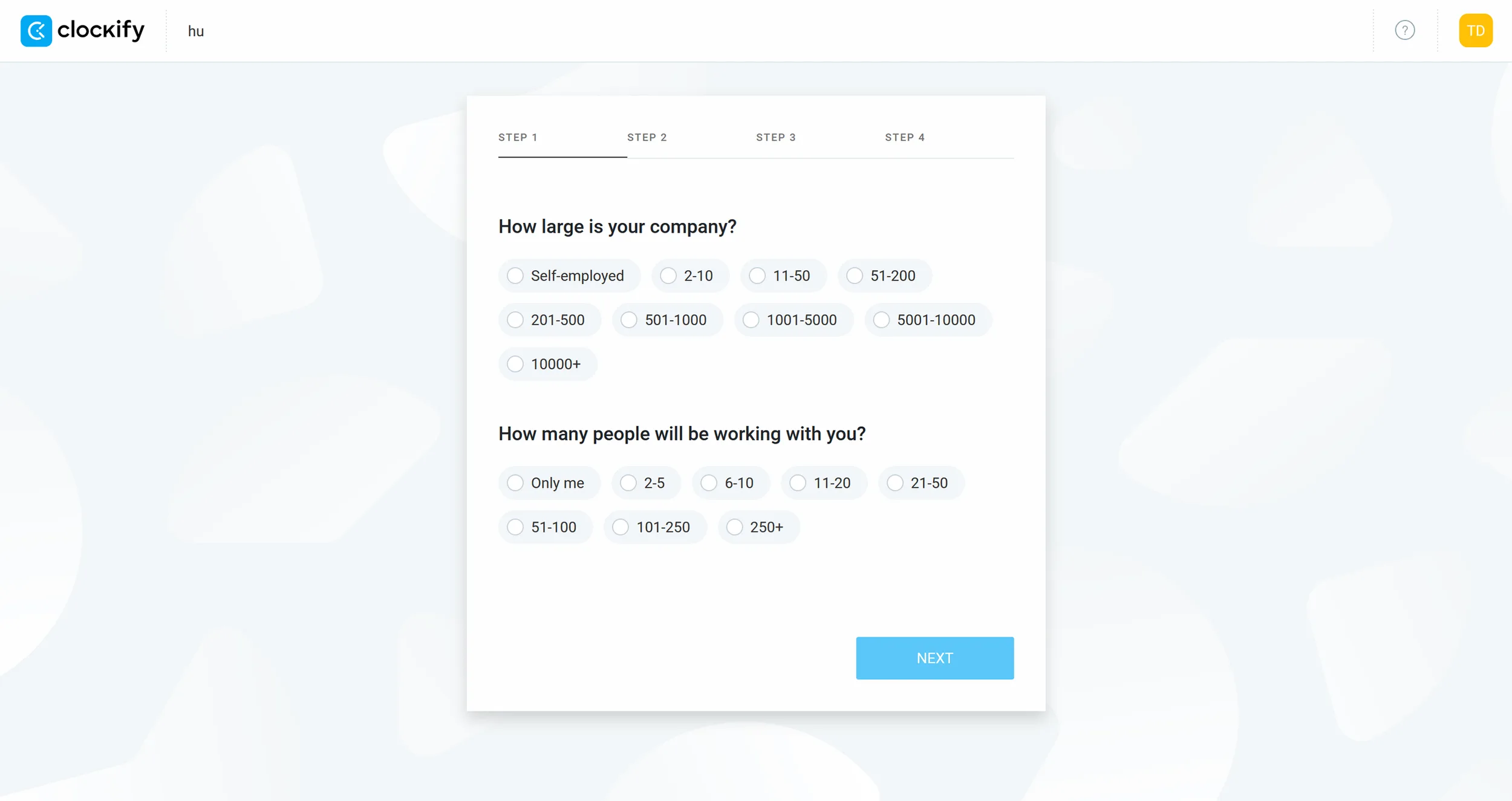
Clockify covers the core workflow most independent workers need daily. You can track time by project and client, bill hours accurately, and use the calendar and reporting views to see exactly where your time is going.
For solo freelancers especially, the combination of time tracking, project management, and reporting is genuinely valuable — whether for better planning, invoicing, or just understanding your own productivity patterns. Clockify helps you work more deliberately and organize your time more effectively. For anyone building a freelance practice or running a small online business, that kind of clarity makes a real difference.
Alternatives to Clockify
Toggl Track — more intuitive interface, cleaner reports, free plan for up to 5 users
Harvest — combines time tracking with invoicing and expense tracking features
RescueTime — automatically analyzes how you spend time on your computer to identify productivity patterns
Timely — AI-powered time tracking that suggests and fills in time blocks automatically
For more time tracking options, check out our roundup of the 10 best time tracking tools for freelancers.
Pricing
Free
Free
free forever, up to 5 users
- Unlimited time tracking & projects
- Up to 5 users
- Basic reports (PDF export)
- All apps & integrations (excl. QuickBooks)
Basic
€3.99
per user/month
- Everything in Free
- Add time for others
- CSV & Excel report exports
- Project templates & billable rates
Standard
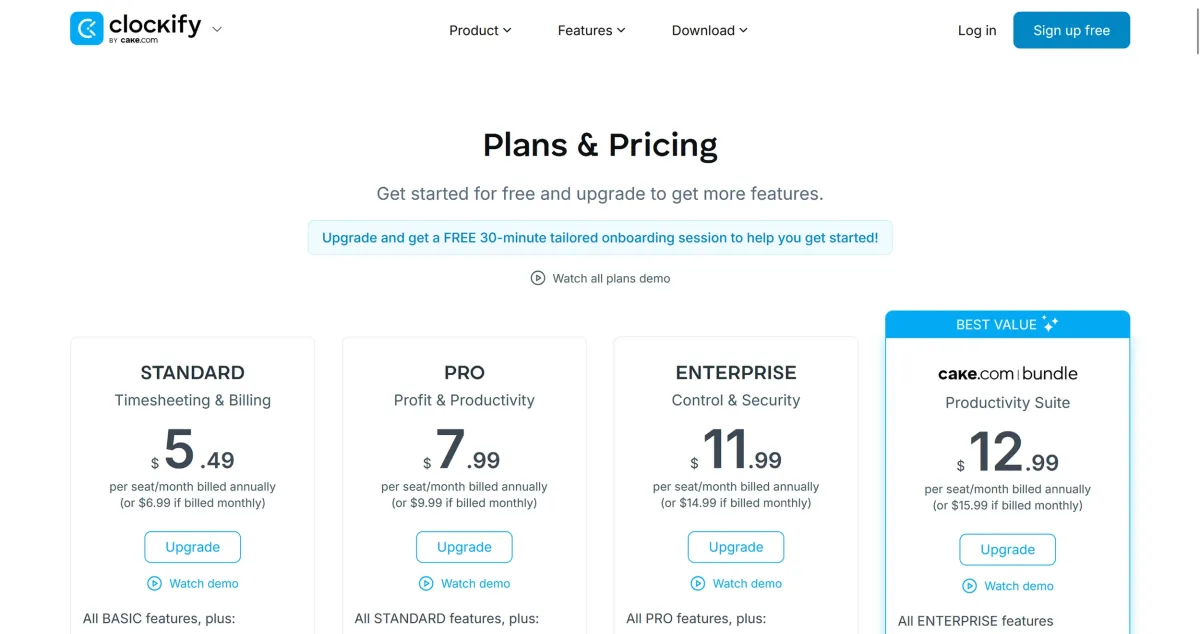
€5.49
per user/month
- Everything in Basic
- Invoicing
- Time off management
- Timesheet approval
- QuickBooks integration
Pro
€7.99
per user/month
- Everything in Standard
- GPS tracking & screenshots
- Expenses & budgets
- Project forecasting
- Custom fields
Prices may change — check the official website for current plans.
Frequently Asked Questions
Is Clockify really permanently free?
Yes — Clockify's free plan has no time limit and no credit card required. It supports up to 5 users with unlimited projects and time entries. Paid plans start at $3.99/user/month (Basic) and add features like invoicing, GPS tracking, and timesheet approvals.
Clockify vs. Toggl Track — what's the difference?
Both offer a free plan for up to 5 users. Toggl Track has a more intuitive interface and cleaner reports. Clockify has a broader feature set even on the free plan and more affordable paid plans. For solo freelancers both are excellent — Clockify edges ahead for teams on a budget.
Can I use Clockify for client invoicing?
Invoicing is available from the Standard plan ($5.49/user/month) upward. On the free plan you can export time reports as PDF or CSV and process them in your accounting tool. Clockify integrates with QuickBooks, FreshBooks, and Xero on paid plans.
How accurate is Clockify's time tracking?
Clockify tracks time to the second via timer. You can manually edit or add entries after the fact. Accuracy depends on consistently starting and stopping the timer — there's no automatic background tracking on the free plan.
Clockify pricing in 2026 — full breakdown of all plans
Clockify has five tiers in 2026: Free (unlimited users, unlimited projects, time tracking + basic reports — the most generous free plan in time tracking), Basic ($3.99/user/month annual, $4.99 monthly — adds time audits, project budgets, lock entries), Standard ($5.49/user/month annual — adds invoicing, approvals, timesheets, billable rates), Pro ($7.99/user/month annual — adds GPS tracking, kiosk mode, custom fields, screenshots), Enterprise ($11.99/user/month annual — adds SSO, audit log, custom subdomain). For solo freelancers Free covers most needs; Standard is the right pick when you want invoicing inside the same tool. Final pricing on clockify.me/pricing.
What does Clockify's free plan include in 2026?
Clockify Free includes: unlimited users, unlimited projects, unlimited time tracking, web timer + desktop + mobile apps, basic reports (CSV/PDF/Excel export), Pomodoro timer, calendar view, and 80+ integrations (including Asana, Trello, Jira, ClickUp, Notion). What you don't get on Free: invoicing, billable rates, project budgets, timesheet approvals, GPS tracking and audit logs. For solo freelancers tracking time for personal productivity or simple client reporting, the free plan is genuinely sufficient long-term — no time-limit trial, no credit card required.
Verdict
Clockify delivers serious time tracking capability at zero cost for solo freelancers and small teams. The free plan covers the daily workflow — timer, projects, reports, and exports — without any artificial time limits. Upgrade to Standard ($5.49/month) when invoicing or timesheet approvals matter, or to Pro ($7.99/month) for GPS tracking and expense management.
Affiliate link — we may earn a commission at no extra cost to you.
More tools in this category

Toggl Track Review 2026
Time tracking app for freelancers to log billable hours, categorize tasks, and generate
FREEMIUM
Clocko:do
Time tracking with manual and automatic logging for billing and productivity insights
PAID
RescueTime
Automatic time tracking that monitors app and website usage to show where your hours go
PAID
Timemator
Time tracking software that runs in the background to monitor active work without requiring a
PAID