

Kit Review: Email Marketing for Creative Freelancers
Fastlancer Team · Updated: Sep 4, 2026

Short verdict
Ideal for
- Creators building a reader list and selling digital products
- Writers and podcasters who send plain-text emails rather than designed newsletters
- Freelancers running sign-up pages and newsletters in one tool
Not ideal for
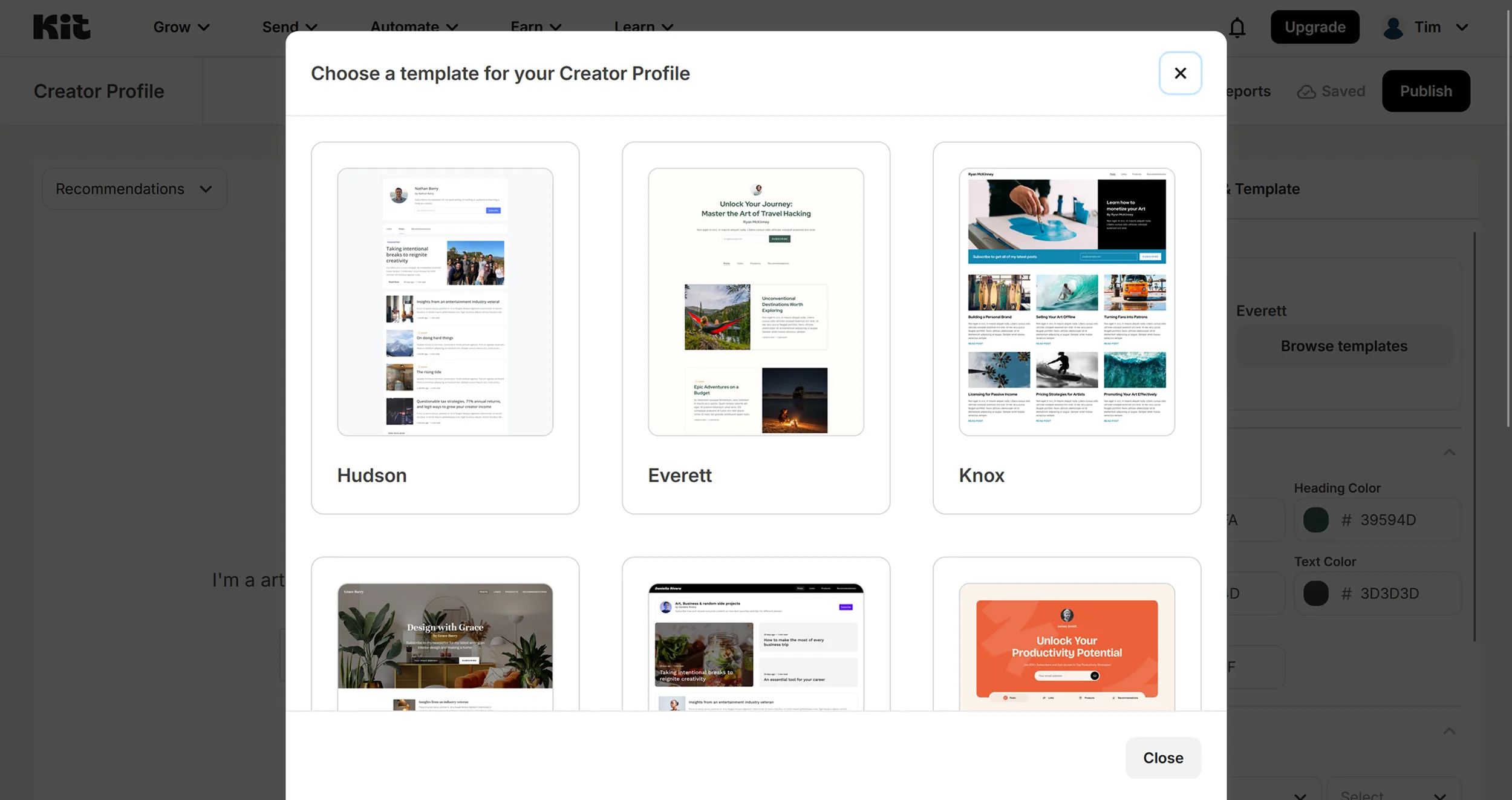
- Anyone who needs a large template library for designed newsletters
- Creators expecting automation on the free plan
- Entry price
- Free plan · paid from $33 / month
- Free to start?
- Yes — free plan forever up to 10,000 subscribers; paid plans have a 14-day free trial
- Stands out for
- The free plan carries up to 10,000 subscribers — no other provider goes that far
Email marketing is often the key to sustainable business success for freelancers — but you need a platform that sends professional newsletters, enables powerful automations, and stays easy to use. Kit is built exactly for these needs.
What is Kit?
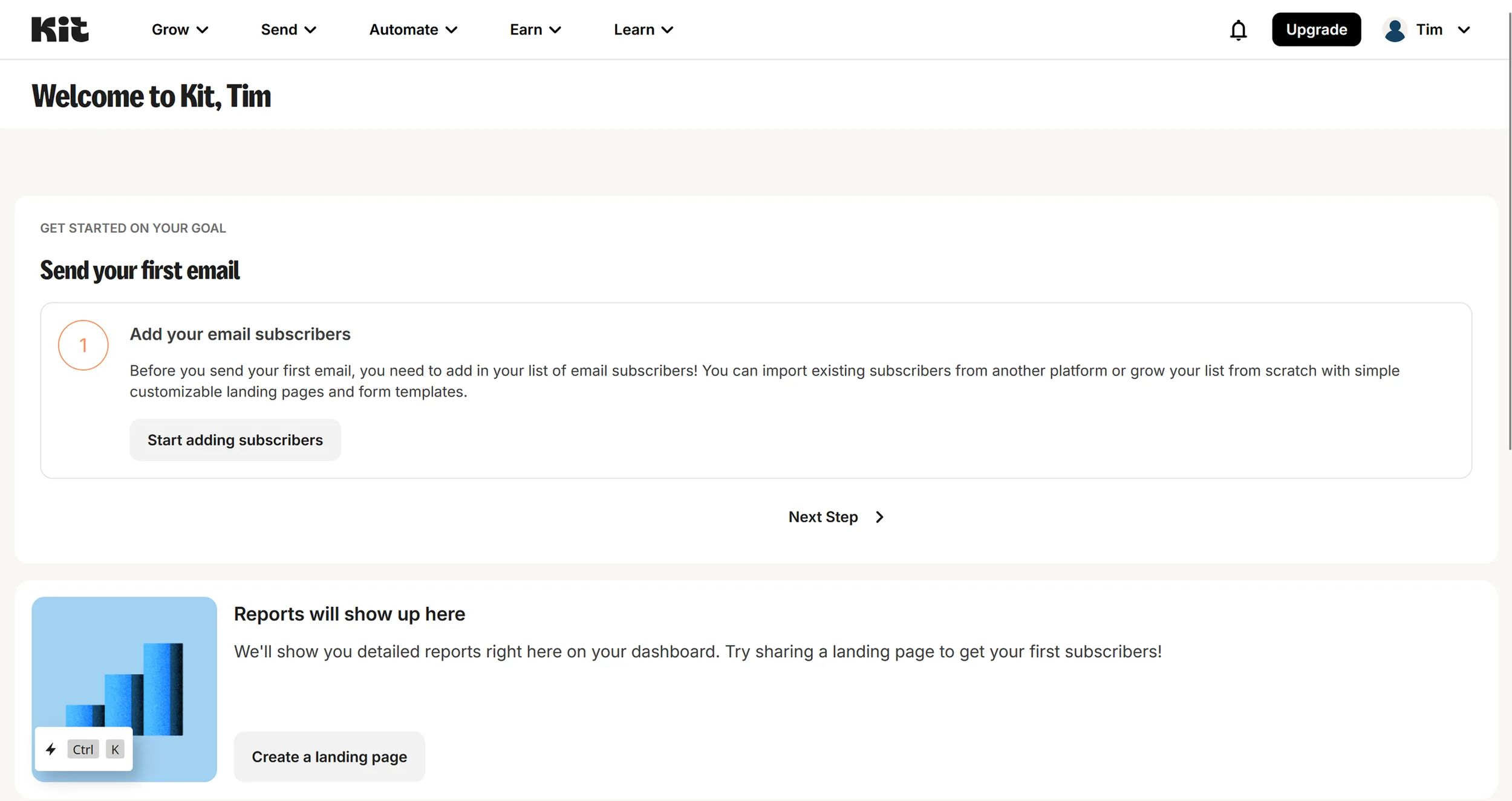
Kit is an email marketing platform built for content creators, describing itself as an "email-first operating system." Founded by Nathan Barry, it has evolved from a simple newsletter tool into a comprehensive marketing automation platform. The core focus: emails your audience actually wants to read — automated messages that build relationships and encourage action without feeling salesy.
Key features of Kit
Visual automation builder: Create complex email automations via an intuitive flowchart-based system.
Advanced segmentation: Use tags and segments to run targeted campaigns for specific audiences.
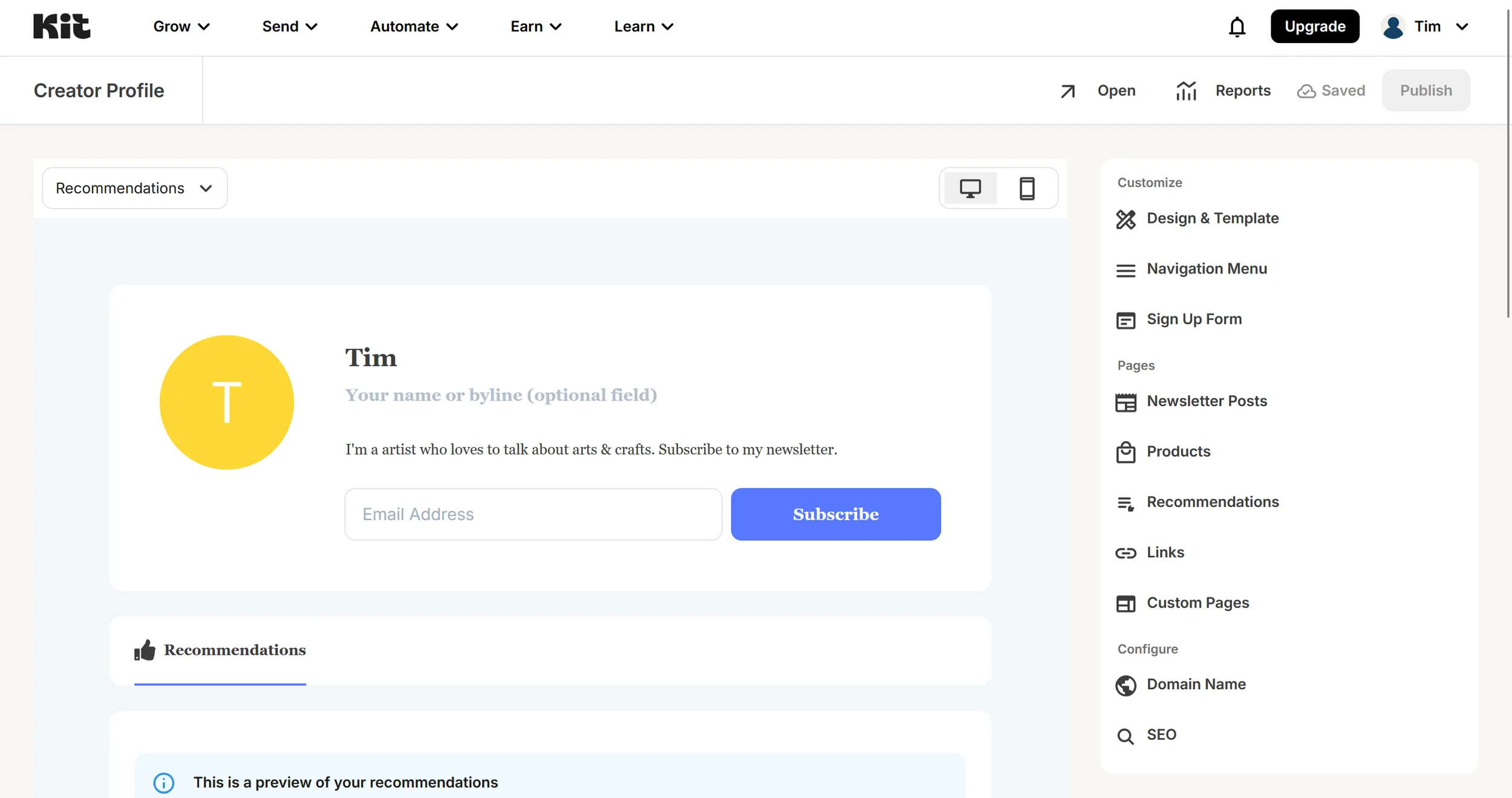
Landing pages: Build landing pages directly within Kit, no external tools needed.
Sign-up forms: Customizable opt-in forms for different use cases.
E-commerce integration: Sell digital products and subscriptions directly through the platform.
Detailed reporting: Track open rates, click-through rates, and conversion metrics.
Why is Kit ideal for freelancers?
Kit requires no technical expertise and covers the full stack: customizable email templates, landing pages, sales funnels, audience segmentation, analytics, and e-commerce. You can market and sell courses, e-books, or consulting services without additional tools.

Kit MCP: run your email marketing through an AI assistant (launched May 2026)
In May 2026 Kit shipped an official MCP server (Model Context Protocol) — not the first email platform to do so (Klaviyo, ActiveCampaign and Brevo went first in 2025), but by its own account the first creator-focused one with full read and write access; it left public beta in August 2026. Connect your Kit account once with Claude, ChatGPT, Google Gemini, Cursor, Windsurf, or Cline and run your newsletter business from inside the chat.
What Kit MCP actually does
Read and analyze:
Query subscriber lists, segments, and engagement stats in plain English
Compare open and click rates across broadcasts — no CSV exports
Analyze sequence performance step by step: find exactly where you lose readers
Compare conversion rates between forms and landing pages
Pull commerce data and growth metrics across your whole account
Write and execute (sensitive actions go through an approval step):
Tag, segment, and bulk-add or update subscribers
Enroll people into existing sequences
Draft, schedule, or send broadcasts
Manage custom fields, forms, and webhooks
Sample prompts that now actually work
"Is my subscriber list healthy?" → AI reviews engagement, flags inactive profiles, and proposes a re-engagement sequence.
"Which broadcasts performed best — and why?" → AI compares open and click rates and surfaces patterns in subject lines and send times.
What used to be 30 minutes of clicking through the Kit dashboard becomes a single chat question. Sensitive actions (sending a broadcast, deleting subscribers, triggering a sequence) go through an approval step, and access can be revoked at any time.
Kit MCP is part of the Creator and Pro plans at no extra cost; the free plan doesn't include it. Set up Kit MCP and connect your AI
Pros & Cons
Pros
- Purpose-built for creators and solopreneurs
- Free plan up to 10,000 subscribers
- Visual automation builder for sequences
- Built-in commerce for digital products
Cons
- Fewer templates than Mailchimp, Brevo
- No automations on the free plan
- 3.5% + 30¢ fee per sale
Is Kit the same as ConvertKit?
Yes — Kit is ConvertKit. Same company, same product, same account. The rename happened in 2024, and Kit still labels itself "Formerly ConvertKit" on its own site. If you subscribed as a ConvertKit customer, nothing changed for you: your login, your automations, your subscriber list and your billing all carried over.
Practically, the only thing that changed is what you type into a search bar. Old ConvertKit tutorials, integration docs and community threads still apply — the interface names and the underlying logic are the same. Where you will still see the old name is in third-party integration lists, which tend to lag behind rebrands by a year or two.
The reason for the change: ConvertKit had grown beyond email into landing pages, paid newsletter subscriptions, a creator network and a commerce layer, and the "convert" in the name pointed at a narrower job than the product now does.
Kit free trial and free plan: what you actually get
Two different things get mixed up here, and both are worth knowing before you sign up.
The free trial runs 14 days on Creator and Pro, with no credit card required; to keep the plan afterwards you add a card. On the paid plans Kit also offers free migrations — their team rebuilds your forms, templates and automations from your previous provider, which is the part that usually stops people from switching at all.
The free plan (Kit called it Newsletter until summer 2026) is separate and permanent — no trial clock. It carries the real limitation: you can send unlimited broadcasts, build landing pages and forms and sell digital products, but automations, email sequences, the paid apps and 100+ direct integrations, and Kit MCP all sit behind Creator (free apps and the API stay available). For a freelancer sending a straightforward newsletter, that is genuinely enough; the moment you want an automated welcome series, you are on a paid plan.
Pricing of Kit
The free plan runs forever up to 10,000 subscribers, which is the most generous entry in this category — but it carries no automations and no email sequences, and those are the reason people upgrade. The paid step above it unlocks both; the tier above that adds subscriber scoring, A/B tests and the referral system.
Two things to plan for. Prices scale with subscriber count, so the headline figure is the floor, not the bill. And Kit raised its paid tiers in autumn 2025 after dropping the old small-list entry plan in early 2025 — older comparisons still quote the lower numbers. How Kit compares with Brevo, MailerLite and the rest is in our Mailchimp alternatives guide.
Final verdict: Is Kit worth it for freelancers?
Kit balances powerful features with ease of use. If you sell digital products or rely on advanced automations, it is one of the strongest options available. The higher price is justified by creator-focused features and a solid technical foundation. If you only send occasional newsletters or have a tight budget, more affordable alternatives exist.
Pricing
Free
Free
forever, up to 10,000 subscribers
- Unlimited broadcasts, landing pages and forms
- Audience tagging and segmentation
- Sell digital products and subscriptions
Creator
$33
per month billed yearly ($390/year) · $39 monthly · from 1,000 subscribers
- Unlimited visual automations and email sequences
- Kit MCP and 100+ app integrations
- Free migration, Kit branding removable
Pro
$66
per month billed yearly ($790/year) · $79 monthly · from 1,000 subscribers
- Subscriber engagement scoring and Subscriber Signals
- A/B tests of 5 subject lines and content
- Newsletter referral system (SparkLoop) and Facebook custom audiences
Prices may change — check the official website for current plans.
Price history
Checked Oct 16, 2026 · 4 changes since Aug 31, 2026
- Oct 12, 2026Pro from $50 to $66 (+32%)
- Oct 8, 2026Pro from $66 to $50 (−24%)
- Sep 16, 2026Creator from $27.50 to $33 (+20%)
- Sep 16, 2026Pro from $55 to $66 (+20%)
Alternatives by use case
- Brevo If a free plan with automation is the need
- Mailchimp If templates and design matter
- ActiveCampaign If automation needs to go deeper
- Klaviyo If an online store sits behind the list


Frequently Asked Questions
Is Kit the same as ConvertKit?
Yes. ConvertKit renamed itself to Kit in October 2024 — same company, same product, same account. Kit still describes itself as "Formerly ConvertKit" on its own site. Existing customers kept their login, automations, subscriber lists and billing; nothing had to be migrated. Old ConvertKit tutorials and integration guides still apply, because the interface names and logic did not change. The rename reflected that the product had grown past email into landing pages, paid newsletter subscriptions and a creator network.
Does Kit (ConvertKit) have a free trial?
Yes — 14 days on Creator and Pro, with no credit card required. On those plans Kit also offers free migrations: their team rebuilds your forms, templates and automations from your previous provider. Separate from the trial there is a permanent free plan (called Newsletter until summer 2026), which lets you send unlimited broadcasts, build landing pages and forms and sell digital products, but keeps automations, email sequences, integrations and Kit MCP behind the paid Creator plan.
Is Kit (formerly ConvertKit) free?
Yes — Kit offers a free plan for up to 10,000 subscribers with unlimited broadcasts, landing pages and forms — but no automations or email sequences. That's still one of the most generous free plans in email marketing. Paid plans start at $39/month, or $33/month billed yearly, and unlock automations, sequences, integrations and Kit MCP.
Kit vs. Mailchimp — which is better for creators and freelancers?
Kit is built for creators: simpler interface, better visual automation builder, and built-in commerce for digital products. Mailchimp offers more templates and brand recognition but gets expensive quickly as your list grows. For freelancers combining newsletters and digital products, Kit is the stronger choice.
Can I sell digital products with Kit?
Yes — Kit has a built-in commerce feature that lets you sell e-books, courses, templates, or other digital downloads directly. The entire transaction runs through Kit with no additional tool required. Kit charges a transaction fee of 3.5 % + 30¢ per sale on every plan, card processing included.
What is Kit MCP and how does it work?
Kit MCP is Kit's Model Context Protocol server, launched in May 2026 and included from the Creator plan upward. It gives AI assistants like Claude, ChatGPT, Google Gemini, Cursor, Windsurf or Cline direct access to your Kit account. You can analyze subscribers, draft broadcasts, build sequences and pull commerce data through chat — without clicking around the dashboard. Every write action requires your explicit approval, and access can be revoked at any time. Kit MCP comes with the paid Creator and Pro plans; on the free plan you can connect an AI client, but every tool call returns an upgrade prompt.


